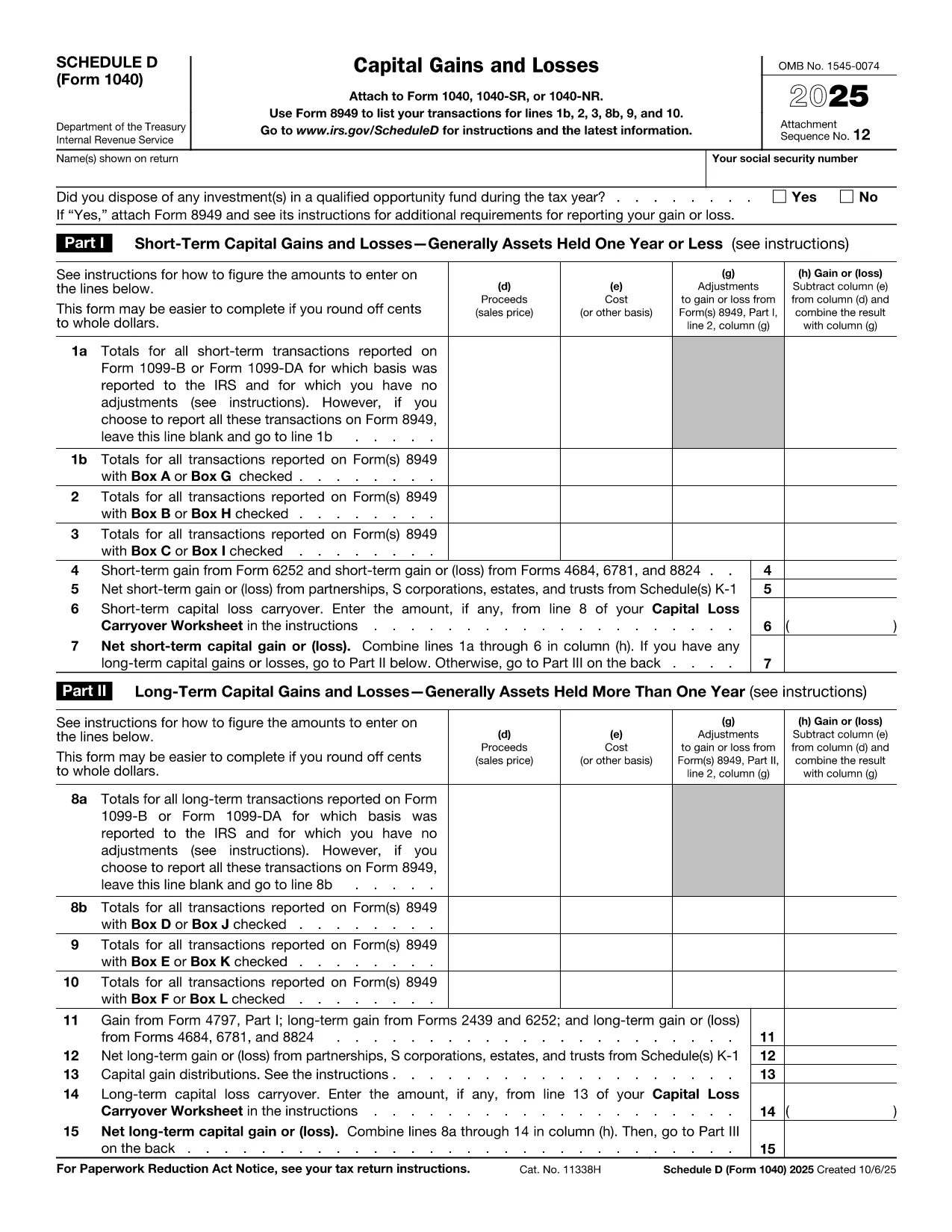
Schedule D (Form 1040SD) is the IRS worksheet used to report capital gains and losses from the sale of stocks, bonds, real estate, and other investment assets. Whether you’re a first‑time filer or a seasoned investor, a correctly completed Schedule D can lower your tax bill and keep the IRS happy.
Formize.com offers a fillable, web‑based PDF version of Schedule D. No need to download a PDF editor – simply click the Fill out this form button, wait for the Formize PDF Filler to load, and start entering your numbers.
What Is Schedule D and Who Needs It?
Schedule D is required when you have:
- Capital gains from the sale of stocks, mutual funds, or other securities.
- Capital losses that you want to deduct against gains.
- Transactions involving collectibles, real estate, or crypto‑currency that are not reported on Form 8949.
If any of these apply to you, you must attach Schedule D to your Form 1040.
How to Fill Out Schedule D Using Formize
Follow the simple steps below to complete the form online. The Formize PDF Filler automatically saves your progress, validates numeric fields, and lets you download a printable PDF when you’re done.
Common Mistakes & Tips for a Clean Submission
Even small errors can delay processing. Keep these tips in mind:
- Double‑check totals: The sum of short‑term and long‑term gains must match the totals on Form 8949.
- Use the correct filing status: Your Schedule D totals feed into line 7 of Form 1040.
- Don’t leave blanks: Enter “0” for any section that does not apply.
- Review carry‑over losses: If you have a loss carryover from a previous year, include it on line 16.
When you’re ready, click the button below, fill the fields, review your entries, and download the completed Schedule D.
Fill out this form
Instrucciones
- Formulario 1040 Cuadro D - Instrucciones para la Lista D (formulario 1040 o formulario 1040-SR), ganancias de capital y pérdidas