زبان را انتخاب کنید

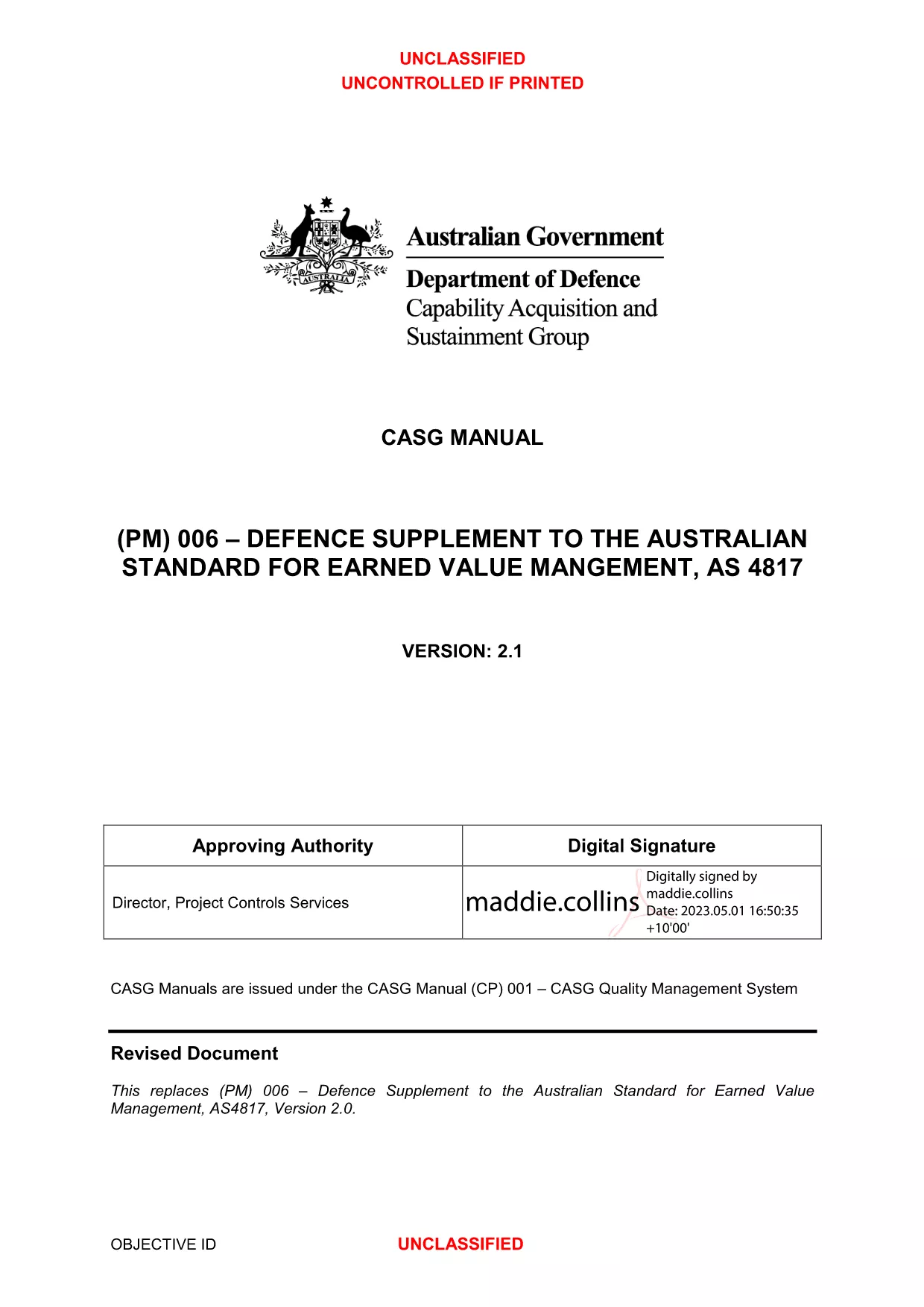
Form BMV 4817 – Earned Value Management Review (Fillable PDF)

  1. کشور ایالات متحده آمریکا
  2. زبان انگلیسی
  3. بخش Department of Defense
  4. فعالیت Project Management
این فرم را پر کنید
Form BMV 4817 – Earned Value Management Review (Fillable PDF)

The Form BMV 4817 is the official template used by the U.S. Department of Defense to capture Earned Value Management (EVM) data for project performance reviews. It follows the Australian Standard AS 4817 guidelines, making it a trusted document for tracking cost, schedule, and technical progress.

With Formize.com you can skip the tedious download‑and‑edit process. Simply click the Fill out this form button on this page, and the Formize PDF Filler loads the fillable version of the BMV 4817 directly in your browser. No additional software is required, and your data is saved securely.

Using a fillable PDF speeds up reporting, reduces errors, and ensures that every field is completed according to the standard format required by Defence contracts.

Below you’ll find a quick guide on how to complete the form online, a breakdown of its main sections, and answers to the most common questions about the BMV 4817.

سوالات متداول
  • What is the purpose of Form BMV 4817?

    Form BMV 4817 captures Earned Value Management data required for Defence project performance reviews, ensuring cost, schedule, and technical baselines are documented consistently.

  • Is the BMV 4817 form truly fillable online?

    Yes. On Formize.com the PDF is fully interactive. You can type, select dates, and add signatures without leaving your browser.

  • Do I need Adobe Acrobat to use this form?

    No. The Formize PDF Filler runs in any modern browser, so Adobe Acrobat or other PDF editors are unnecessary.

  • Can I save my progress and return later?

    Absolutely. Use the **Save** button to store a draft in your Formize account, then reopen it anytime to continue.

  • Is the data I enter secure?

    Formize uses SSL encryption and stores files on secure servers, protecting your project data during and after completion.

  • What if I need to print a hard copy?

    After completing the form, click **Download** to get a PDF you can print, sign manually, and file as required.

  • Are there any fees to use the Formize PDF Filler?

    Filling out the BMV 4817 form online is free. Optional premium features such as advanced analytics are available for a fee.

  • Can I submit the completed BMV 4817 directly to the Department of Defense?

    The form itself is a standard PDF. After downloading, you can attach it to any official submission channel specified by your contract.

چگونه

نحوه پر کردن Form BMV 4817 به صورت رایگان و آنلاین در 4 با مراحل آسان:

  1. 1
    Open the fillable form
    Click the **Fill out this form** button on this page. The Formize PDF Filler app will launch instantly in a new tab.
  2. 2
    Wait for the loader
    Give the app a few seconds to load the BMV 4817 PDF. All interactive fields will become highlighted.
  3. 3
    Enter your data
    Type directly into each field – cost, schedule, performance metrics, and signatures. The form validates entries in real time.
  4. 4
    Save or export
    When finished, click **Save** to store a copy in your Formize account or **Download** to get a completed PDF you can email or archive.
برنامه PDF Filler را فرم‌بندی کنید
در باره

قالب Form BMV 4817

با مجموعه‌ای از ویژگی‌های سنتی برای مشاهده و پر کردن یک سند PDF، همراه با مزایای یک برنامه وب و طرح‌بندی واکنش‌گرا، می‌توانید Form BMV 4817 را در چند دقیقه تکمیل کنید.

امکانات

پرکننده PDF

ساده ترین راه برای پر کردن فرم های PDF به صورت آنلاین

  • به سرعت Form BMV 4817 را پر کنید
    به دنبال راهی برای پر کردن سریع Form BMV 4817 آنلاین هستید؟ با پرکننده فرم PDF رایگان آنلاین ما، می‌دانید چگونه این سند pdf را در کمتر از یک دقیقه ویرایش و پر کنید.
  • آسان برای استفاده از ویرایشگر PDF آنلاین
    آیا از چاپ فایل‌های پی‌دی‌اف خسته شده‌اید تا بتوانید آن‌ها را قبل از اسکن مجدد و ارسال مجدد، ویرایش کنید؟ اسناد PDF را به صورت آنلاین به صورت رایگان ویرایش کنید. از ویرایشگر pdf آنلاین ما برای صرفه جویی در زمان و کاغذ استفاده کنید.
  • ابزارهای عالی، همه پلتفرم ها
    آیا نمی دانید که چگونه Form BMV 4817 را در مک پر کنید، یا شاید چگونه از پرکننده PDF به صورت رایگان استفاده کنید؟ ابزارهای PDF آنلاین ما روی همه پلتفرم ها کار می کنند.
  • ذخیره سازی امن فایل
    فایل‌های تکمیل‌شده «Form BMV 4817» در یک پایگاه داده ایمن که توسط میزبانی ابری آمازون مدیریت می‌شود، ذخیره می‌شوند. شما می توانید فایل های خود را در هر زمان از سیستم ما حذف کنید. در هر صورت این فایل ها پس از 24 ساعت به صورت خودکار پاک می شوند.
  • چت با Form BMV 4817
    با «Form BMV 4817» در Chatize که یک دستیار PDF خوان رایگان است، گپ بزنید. سوال بپرسید و از "Form BMV 4817" پاسخ بگیرید. فقط روی دکمه Chat With Document در بالا کلیک کنید.

حذف جلسه پر کردن

جلسه پر کردن انتخاب شده را حذف کنید؟ در این صورت پیشرفت شما در تکمیل فرم از بین خواهد رفت.

حذف جلسه ویرایش

جلسه ویرایش انتخابی حذف شود؟ در این صورت پیشرفت شما در ایجاد و ویرایش فرم از بین خواهد رفت.