בחר שפה

Fillable SIR (Standard Incident Report) PDF Form

  1. מדינה ארה"ב
  2. שפה אנגלית
  3. פעילות Workplace Safety
  4. מַחלָקָה OSHA
למלא טופס זה
Fillable SIR (Standard Incident Report) PDF Form

The SIR (Standard Incident Report) is a widely used document for reporting workplace injuries, near‑misses, and safety incidents. Employers, safety officers, and employees need a quick, accurate way to capture details so that corrective actions can be taken and regulatory requirements are met.

Formize.com hosts a fillable PDF version of the SIR form, letting you complete the report directly in your browser—no Adobe Acrobat or other PDF editor required. The online PDF filler loads instantly, preserves the original layout, and ensures every required field is captured.

Below you’ll find everything you need to know about the SIR PDF, step‑by‑step instructions for filling it out online, common pitfalls to watch for, and where to send the finished report.

What Is the SIR Form?

The SIR form is an official incident‑reporting template used by many U.S. organizations, especially those regulated by OSHA. It captures essential information such as:

  • Date, time, and location of the incident
  • Names of injured parties and witnesses
  • Brief description of what happened
  • Immediate actions taken and recommended preventive measures

How to Fill Out the SIR Form Online

Instead of downloading the PDF and opening it in a desktop editor, simply click the “Fill out this form” button on this page. The Formize PDF Filler app will load in a secure iframe, and you can start typing right away.

Common Mistakes to Avoid

  • Leaving required fields blank – the filler highlights missing information before you can submit.
  • Using abbreviations that are unclear to investigators.
  • Skipping the witness section – OSHA often requires at least one witness statement.
  • Not saving a copy – after submission, download a PDF receipt for your records.

Where to Submit the Completed Form

Once you’ve reviewed the completed SIR, you can either:

  • Print the filled PDF and hand‑deliver it to your safety department.
  • Email the PDF directly to your company’s compliance inbox.
  • Upload the file to your organization’s incident‑management portal.

Download or View the Original PDF

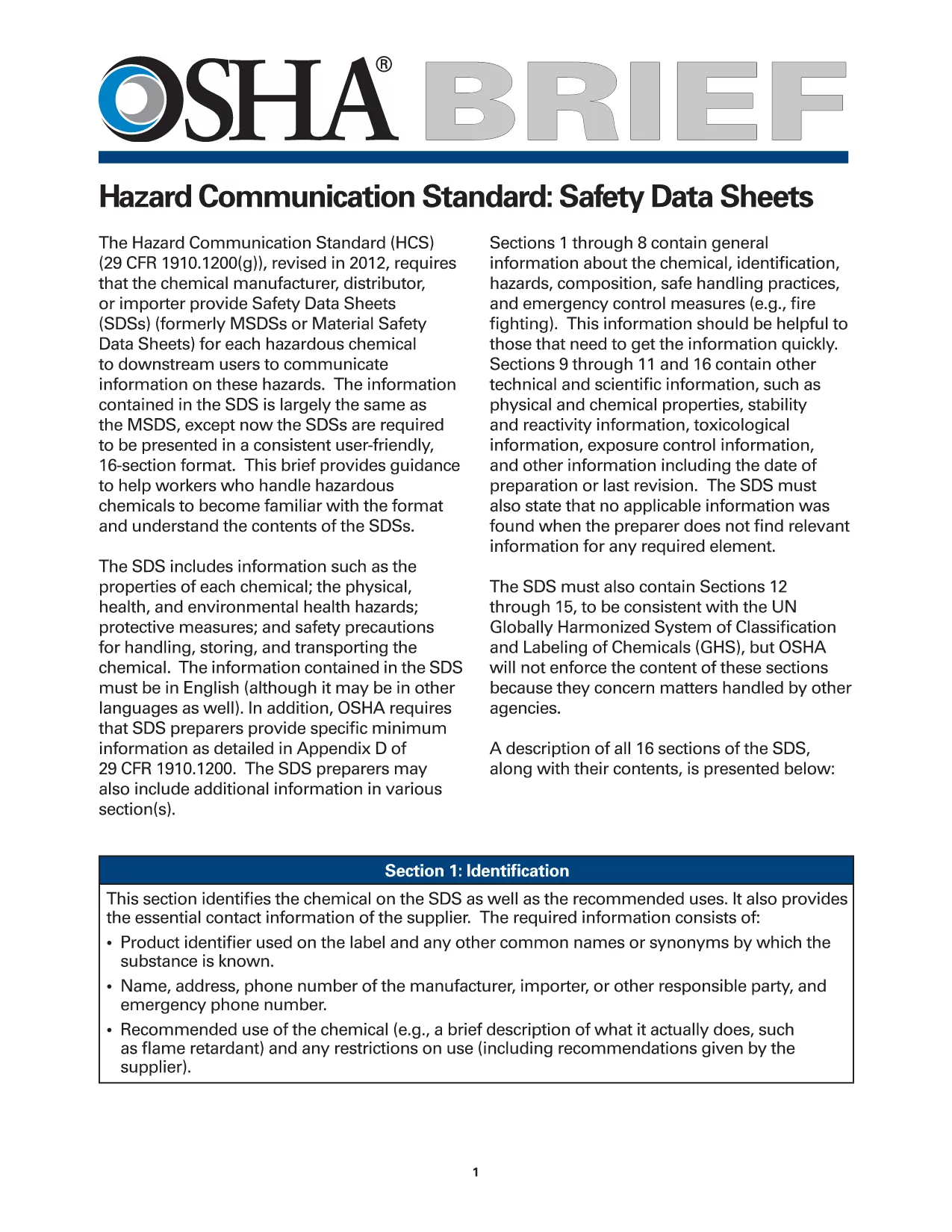
If you need to see the unfilled version, you can download the official OSHA incident‑report PDF from the link below. The fillable version on Formize mirrors this layout exactly.

View the original SIR PDF (OSHA)

שאלות נפוצות
  • Do I need Adobe Acrobat to fill the SIR form?

    No. Formize’s online PDF filler works in any modern browser, so you can complete the form without installing additional software.

  • Is the fillable SIR PDF legally equivalent to the paper version?

    Yes. The filled PDF retains the original format and signatures, making it acceptable for OSHA and internal compliance audits.

  • Can I save my progress and finish the form later?

    Absolutely. Use the “Save Draft” button to download a partially completed PDF, then re‑upload it later to continue editing.

  • What if I make a mistake after submitting?

    Download a fresh copy of the original PDF, correct the error, and resubmit. Keep both versions for your records.

  • Is my data secure while using Formize?

    Formize uses SSL encryption for all data transmission, and the filled PDF is stored only on your device unless you choose to share it.

  • Can I print the filled SIR form directly from the browser?

    Yes. After completing the form, click the “Print” icon in the filler toolbar to produce a hard‑copy version.

  • Do I need an account to use the fillable PDF?

    No account is required. The filler is publicly accessible for anyone who needs to complete the SIR form.

  • Where can I find help if I have questions about the SIR content?

    Consult your organization’s safety officer or refer to OSHA’s guidance documents linked on the original PDF page.

איך ל

כיצד למלא את SIR PDF בחינם, באינטרנט ב-5 שלבים פשוטים:

  1. 1
    Click the Fill‑out Button
    Press the “Fill out this form” button on this page. The Formize PDF Filler will open in a secure window.
  2. 2
    Wait for the Filler to Load
    A few seconds may pass while the fillable PDF loads. You’ll see the exact SIR layout appear, ready for input.
  3. 3
    Enter All Required Information
    Complete each highlighted field—date, location, employee details, incident description, and corrective actions. Required fields are marked with a red asterisk.
  4. 4
    Review and Validate
    Click the “Validate” button. The filler will flag any missing or incorrectly formatted entries.
  5. 5
    Save, Download, or Submit
    When everything looks correct, either download a copy for your records or use the built‑in “Submit” option to email the filled PDF to your safety team.
Formize אפליקציית מילוי PDF
על אודות

תבנית SIR PDF

עם סט התכונות המסורתי לצפייה ומילוי של מסמך PDF, בשילוב עם היתרונות של אפליקציית אינטרנט ופריסה רספונסיבית, תוכל להשלים את SIR PDF בתוך דקות.

תכונות

מילוי PDF

הדרך הקלה ביותר למלא טפסי PDF באינטרנט

  • מלא במהירות את SIR PDF
    מחפש דרך למלא במהירות את SIR PDF באינטרנט? עם מילוי טופס ה-PDF המקוון שלנו בחינם, תדע כיצד לערוך ולמלא את מסמך ה-PDF הזה תוך פחות מדקה.
  • עורך PDF מקוון קל לשימוש
    נמאס לך להדפיס קבצי PDF כדי שתוכל לערוך אותם, לפני סריקה מחדש ושליחה חזרה? ערוך מסמכי PDF בחינם באינטרנט. השתמש בעורך ה-PDF המקוון שלנו כדי לחסוך בזמן ובנייר.
  • כלים מעולים, כל הפלטפורמות
    תוהה כיצד למלא את SIR PDF ב-Mac, או אולי איך להשתמש בחומר מילוי PDF בחינם? כלי ה-PDF המקוונים שלנו פועלים בכל הפלטפורמות.
  • אחסון קבצים מאובטח
    קבצי "SIR PDF" שהושלמו מאוחסנים במסד נתונים מאובטח המנוהל על ידי אירוח Amazon Cloud. אתה יכול למחוק את הקבצים שלך מהמערכת שלנו בכל עת. בכל מקרה, קבצים אלו נמחקים אוטומטית לאחר 24 שעות.
  • צ'אט עם SIR PDF
    צ'אט עם "SIR PDF" ב-Chatize שהוא עוזר לקורא PDF בחינם. שאל שאלות וקבל תשובות מ-"SIR PDF". פשוט לחץ על הלחצן צ'אט עם מסמך למעלה.

מחק הפעלת מילוי

למחוק את הפעלת המילוי שנבחרה? במקרה זה, ההתקדמות שלך במילוי הטופס תאבד.

מחק סשן עריכה

למחוק את סשן העריכה שנבחר? במקרה זה, ההתקדמות שלך ביצירה ועריכה של הטופס תאבד.