


IndusInd request form テンプレート
PDF ドキュメントを表示および入力するための従来の一連の機能に、Web アプリケーションおよびレスポンシブ レイアウトの利点を組み合わせることで、数分で IndusInd request form を完成させることができます。
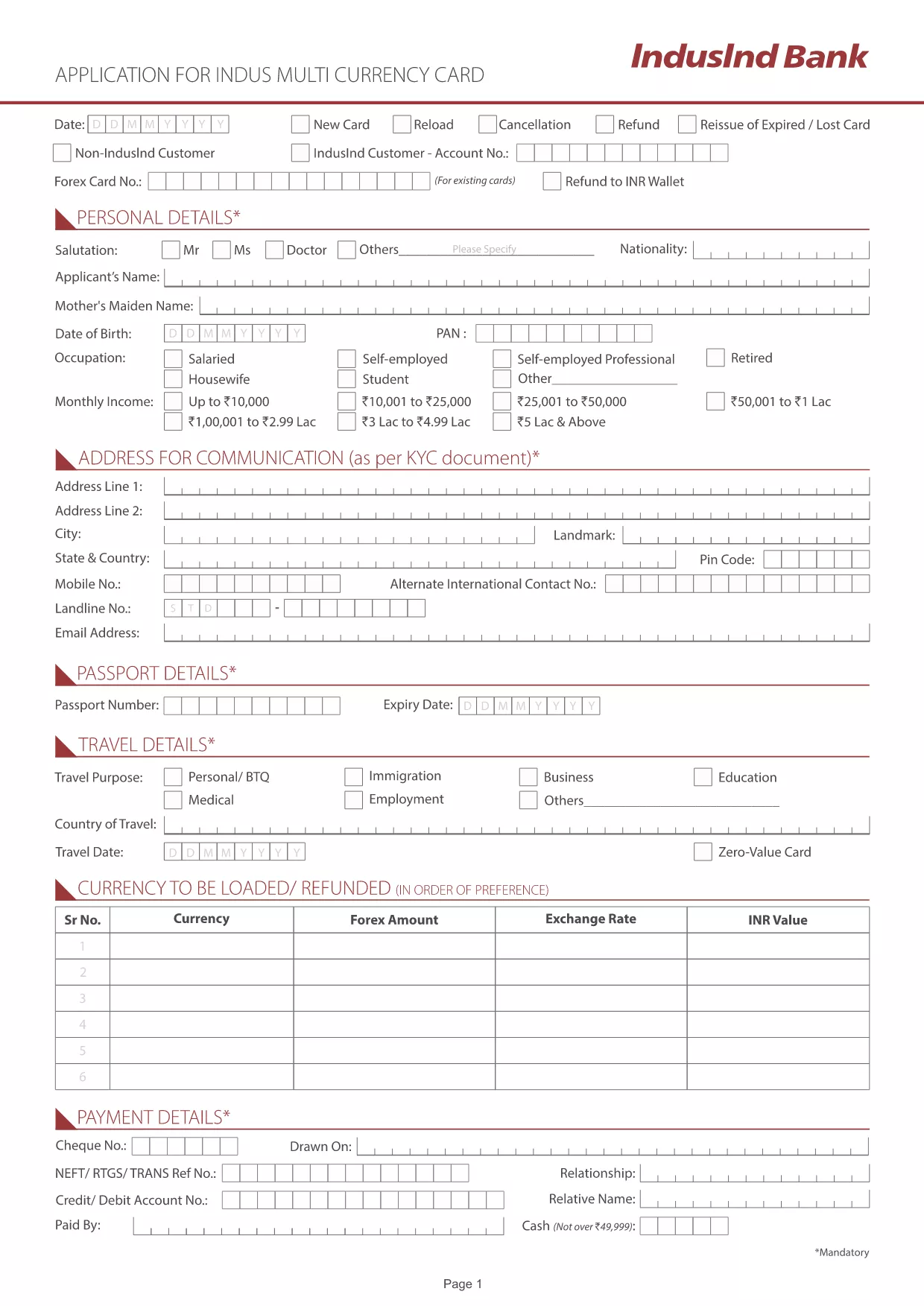
Looking for a quick and secure way to submit your IndusInd Bank request form? Our online fillable PDF lets you complete the form directly in your browser—no extra software, no hassle.
IndusInd Bank provides dozens of request forms for account operations, loan applications, and more. A fillable PDF ensures that every field is correctly formatted, reduces errors, and speeds up processing time.
Simply click the "Fill out this form" button below. The Formize PDF Filler app loads instantly, letting you type, select, and sign directly on the page.
After filling the form, you can:
Below are quick answers to the most common queries about the IndusInd request form.
No. The Formize PDF Filler works completely in your browser, so Acrobat is not required.
Yes. All data is transmitted over SSL encryption and is not stored on our servers after you download the final PDF.
The filler provides an auto‑save feature. You can download a draft PDF and reload it later to continue.
You can upload JPG, PNG, or PDF files up to 5 MB each.
Processing time depends on the type of request, but a correctly completed form usually speeds up the workflow.
Yes. After completing the form, click the "Print" button to produce a hard copy.
No. The online filler is free for all users.
PDF ドキュメントを表示および入力するための従来の一連の機能に、Web アプリケーションおよびレスポンシブ レイアウトの利点を組み合わせることで、数分で IndusInd request form を完成させることができます。
オンラインで PDF フォームに記入する最も簡単な方法
フィルセッションを削除
編集セッションを削除する