


relinquish parental rights form テンプレート
PDF ドキュメントを表示および入力するための従来の一連の機能に、Web アプリケーションおよびレスポンシブ レイアウトの利点を組み合わせることで、数分で relinquish parental rights form を完成させることができます。
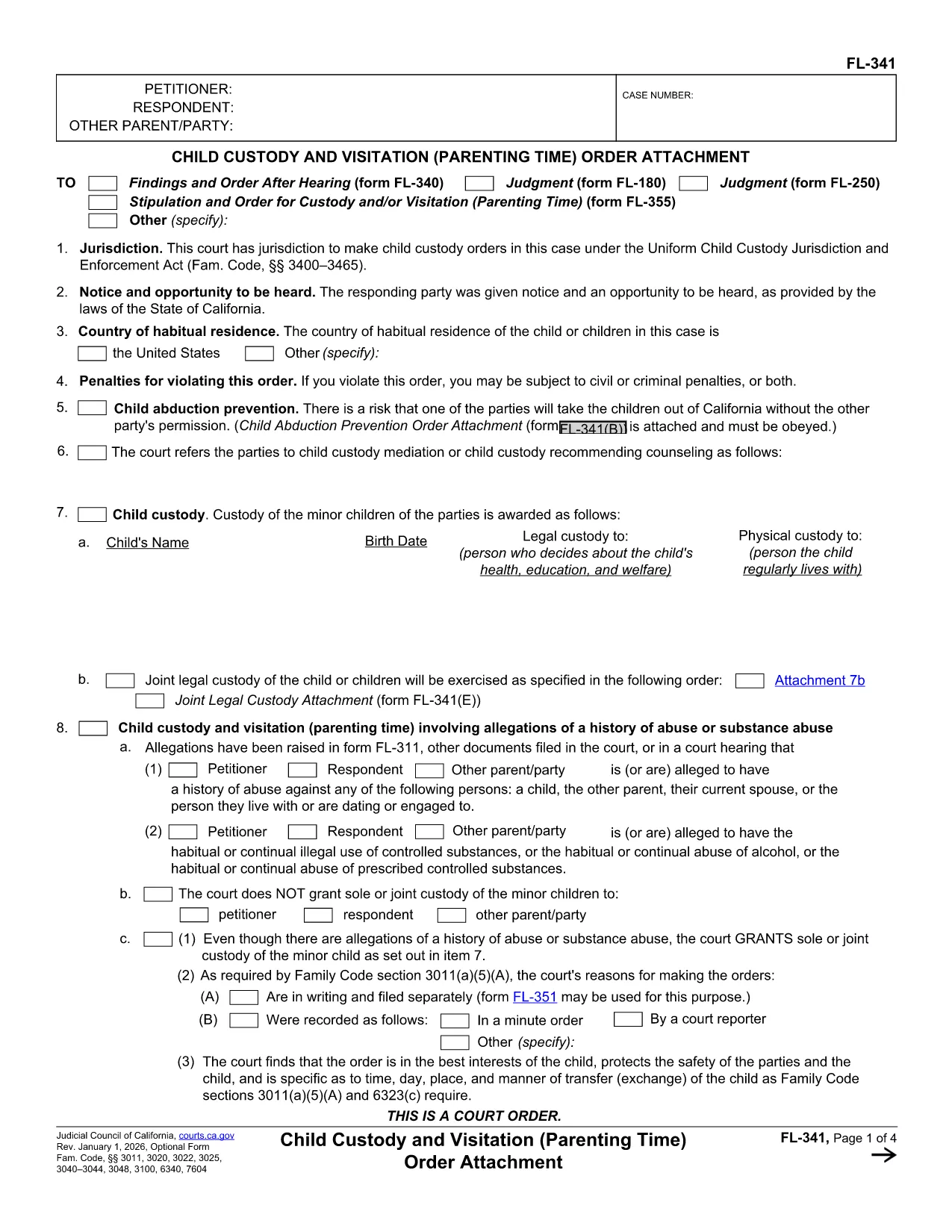
If you need to voluntarily give up your parental rights, the legal form to relinquish parental rights is the first step. Our fillable PDF version matches the official California Petition to Relinquish Parental Rights (FL‑341) and works in any modern browser via the Formize PDF Filler app.
The form, officially titled Petition to Relinquish Parental Rights (FL‑341), is filed with the family court to terminate your legal relationship with a child. It is used in cases of adoption, foster care placement, or when a parent voluntarily steps aside for the child's best interests. The PDF you’ll fill out contains sections for personal information, details about the child, the reason for relinquishment, and a notarization block.
Instead of downloading the PDF and opening a separate editor, simply click the "Fill out this form" button on this page. The Formize PDF Filler app loads instantly, letting you type directly into each field, add checkmarks, and sign electronically.
After you finish and download the completed PDF, file it with the Family Court of the county where the child resides. Most courts also accept electronic filing (e‑filing) through their online portal. Check your local court’s website for specific filing fees and instructions.
While there is no live chat on Formize, you can consult a family law attorney or contact your local legal aid office for guidance. The California Courts website offers a detailed self‑help guide on parental rights termination.
Yes. By clicking the "Fill out this form" button, the Formize PDF Filler loads directly in your browser so you can complete the form without any additional software.
A lawyer is not required, but it’s advisable to consult one to ensure you understand the legal consequences of terminating parental rights.
The PDF linked is the California FL‑341 form. Other states have their own versions, so check your state’s family court website for the correct form.
The court will review your petition, may schedule a hearing, and will issue an order only if it finds the relinquishment is in the child’s best interest.
Once the form is signed and notarized, changes are not allowed. If you need to correct an error, you must file a new petition.
Filing fees vary by county. In California, the fee is typically between $100‑$200. Check your local court’s fee schedule for exact amounts.
Yes. Attach a copy of the child’s birth certificate, your ID, and any court‑ordered adoption or foster care documents.
Electronic signatures are accepted for the initial draft, but the final document must be signed in front of a notary before filing.
PDF ドキュメントを表示および入力するための従来の一連の機能に、Web アプリケーションおよびレスポンシブ レイアウトの利点を組み合わせることで、数分で relinquish parental rights form を完成させることができます。
オンラインで PDF フォームに記入する最も簡単な方法
フィルセッションを削除
編集セッションを削除する