


{키워드} 템플릿
PDF 문서를 보고 작성하기 위한 기존 기능 세트와 웹 애플리케이션 및 반응형 레이아웃의 이점을 결합하면 몇 분 만에 request form pdf을(를) 완료할 수 있습니다.
Looking for a fast, secure way to submit a request form without the hassle of downloading, printing, and scanning? Our fillable PDF request form is hosted on Formize.com and can be completed entirely in your browser.
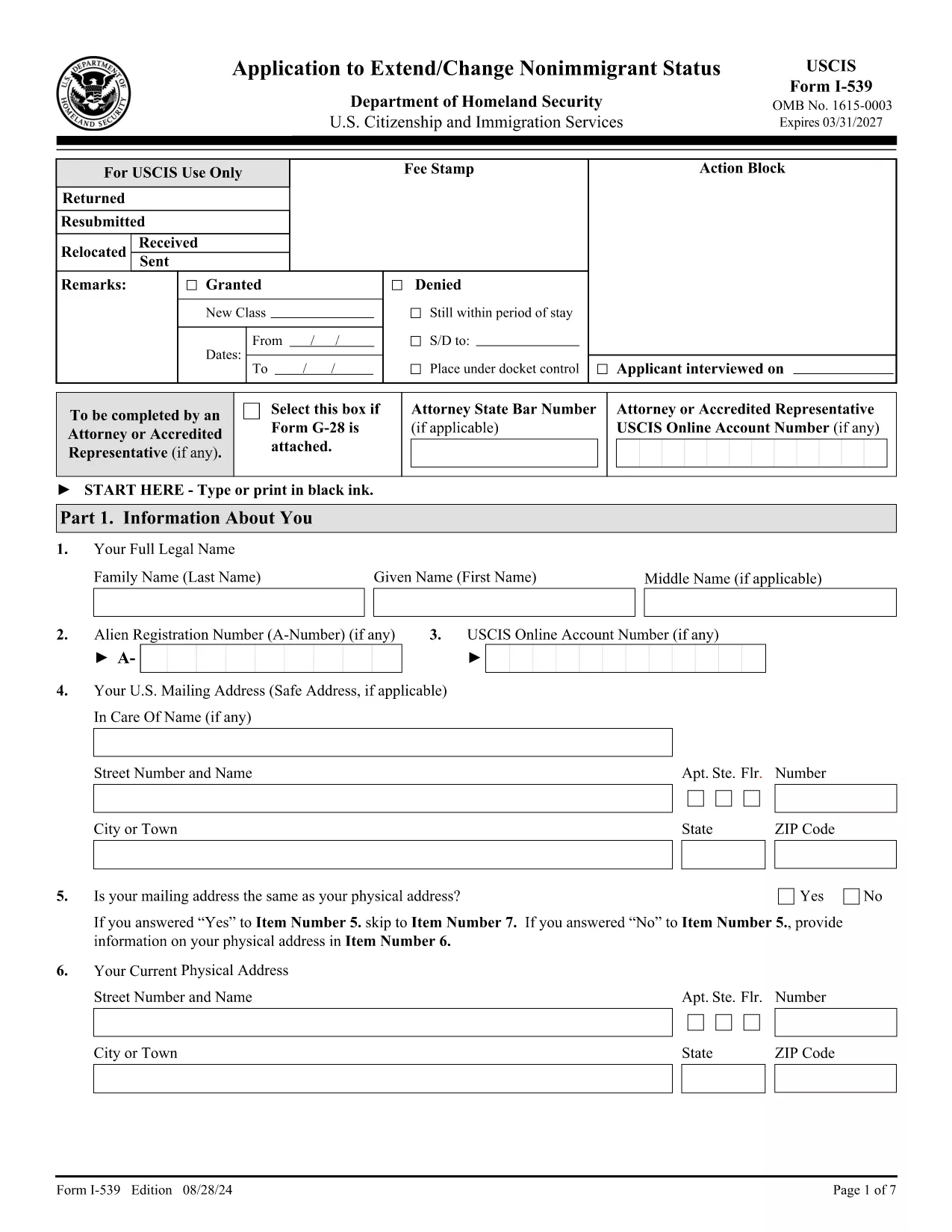
Our version of the USCIS Form I‑539 – Request for Extension of Stay is fully interactive. Every field is clickable, drop‑down menus work instantly, and validation checks keep your data accurate. Because it’s hosted on Formize, you never need a separate PDF editor – the Formize PDF Filler app does all the heavy lifting.
Follow the quick How‑To guide below and you’ll be done in under five minutes.
After you finish, you can either download the completed PDF to your device or click the built‑in Submit to USCIS button, which securely forwards the file to the appropriate USCIS portal.
If you prefer to keep a local copy, the original PDF is available here. However, using the online filler is faster and reduces errors.
No. The Formize PDF Filler works in any modern browser – no extra software is required.
Yes. Use the “Save Draft” button to download a partially completed PDF, then re‑upload it later to continue.
Formize uses SSL encryption for all data transmission. Your information is never stored on our servers after you download or submit the form.
PDF, JPG, and PNG are accepted. Each file must be under 5 MB.
Absolutely. After completing the form, click “Download” and print the PDF from any standard printer.
Contact USCIS directly. The online filler does not allow editing after a file has been submitted, so you’ll need to submit a corrected form.
PDF 문서를 보고 작성하기 위한 기존 기능 세트와 웹 애플리케이션 및 반응형 레이아웃의 이점을 결합하면 몇 분 만에 request form pdf을(를) 완료할 수 있습니다.
온라인에서 PDF 양식을 채우는 가장 쉬운 방법
필링 세션 삭제
편집 세션 삭제