


Federalinės mokesčių formos
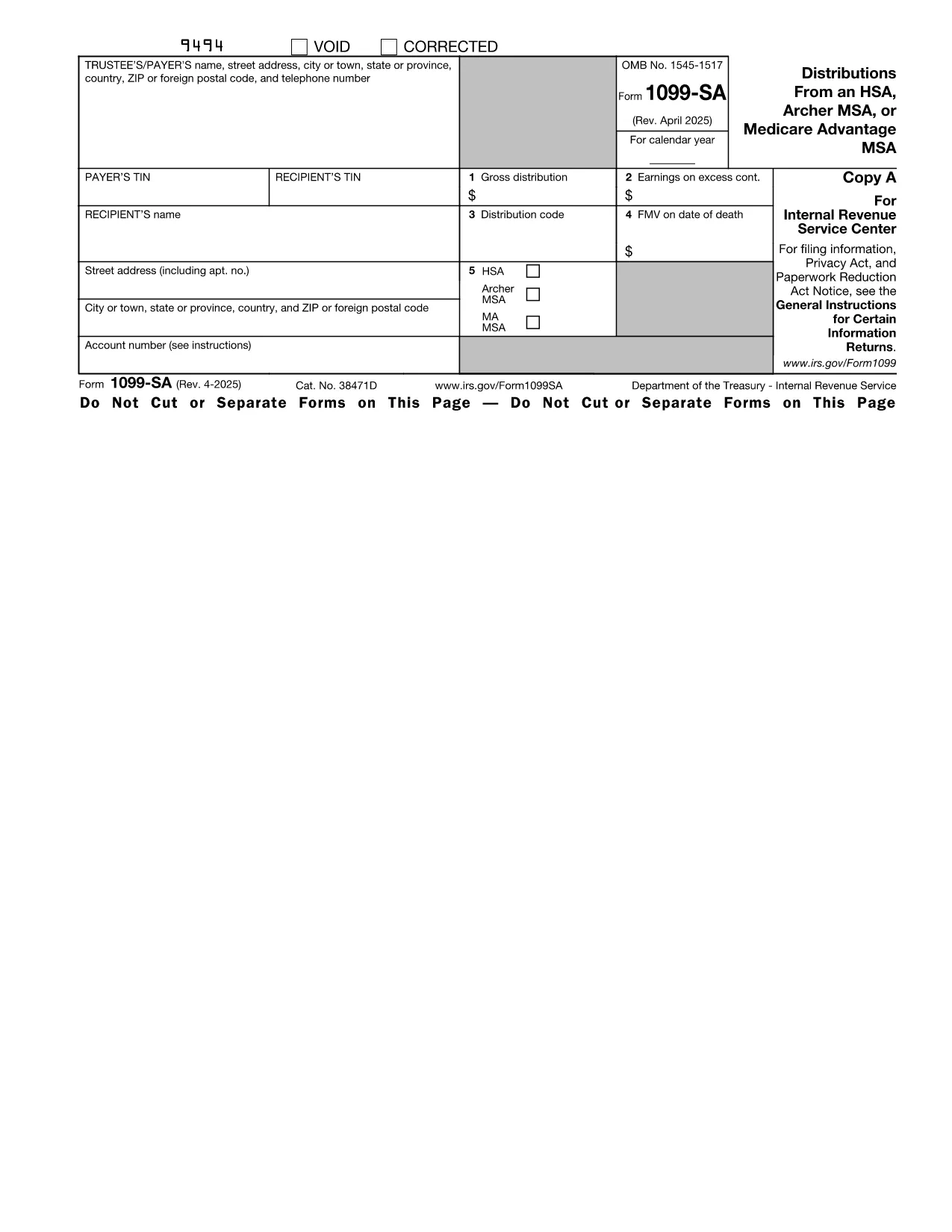
Form 1099-SA yra viena iš federalinių mokesčių formų, kurios yra dokumentai, naudojami pranešant apie federalinius pajamų mokesčius ir pateikiant juos JAV Vidaus pajamų tarnybai (IRS). Šias formas asmenys, įmonės ir organizacijos naudoja norėdami pranešti apie savo pajamas, atskaitymus ir kitą svarbią informaciją, reikalingą apskaičiuojant jų federalinius mokesčius.
Dažniausiai naudojama federalinė mokesčių forma yra 1040 forma, kurią naudoja individualūs mokesčių mokėtojai, norėdami pranešti apie savo gyventojų pajamų mokestį. Kitos dažniausiai naudojamos formos apima 1065 formą, skirtą partnerystei, 1120 forma korporacijoms ir 990 forma neapmokestinamoms organizacijoms.
Federalinėse mokesčių formose paprastai reikalaujama, kad mokesčių mokėtojai praneštų apie įvairius pajamų šaltinius, tokius kaip darbo užmokestis, atlyginimai ir arbatpinigiai, taip pat pajamas iš investicijų, nuomojamo turto ir kitų šaltinių. Formos taip pat leidžia mokesčių mokėtojams reikalauti atskaityti ir kredituoti įvairias išlaidas, tokias kaip labdaros įnašai, hipotekos palūkanos ir sveikatos priežiūros išlaidos.
Svarbu tiksliai ir laiku pateikti federalines mokesčių formas, nes to nepadarius, IRS gali skirti baudas ir palūkanas.