

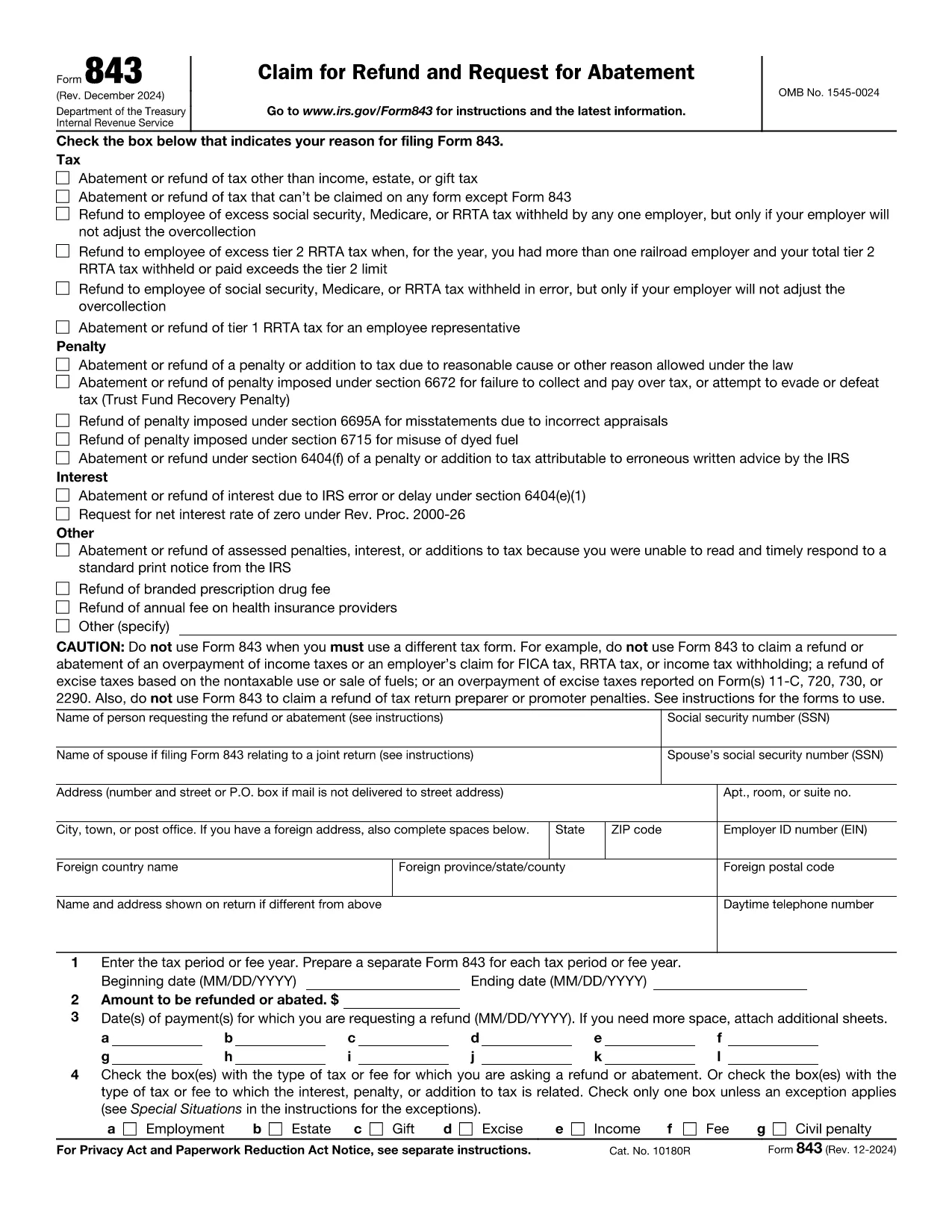

แบบฟอร์มภาษีของรัฐบาลกลาง
request refund form เป็นหนึ่งในแบบฟอร์มภาษีของรัฐบาลกลางที่เป็นเอกสารที่ใช้ในการรายงานและยื่นภาษีเงินได้ของรัฐบาลกลางกับ Internal Revenue Service (IRS) ในสหรัฐอเมริกา บุคคล ธุรกิจ และองค์กรต่างๆ ใช้แบบฟอร์มเหล่านี้เพื่อรายงานรายได้ การหักเงิน และข้อมูลอื่นๆ ที่เกี่ยวข้องที่จำเป็นสำหรับการคำนวณภาระภาษีของรัฐบาลกลาง
แบบฟอร์มภาษีของรัฐบาลกลางที่ใช้กันมากที่สุดคือ แบบฟอร์ม 1040 ซึ่งผู้เสียภาษีแต่ละรายใช้เพื่อรายงานภาษีเงินได้บุคคลธรรมดาของตน แบบฟอร์มอื่นๆ ที่ใช้กันทั่วไป ได้แก่ แบบฟอร์ม 1065 สำหรับพันธมิตร แบบฟอร์ม 1120 สำหรับองค์กร และ แบบฟอร์ม 990 สำหรับองค์กรที่ได้รับการยกเว้นภาษี
โดยทั่วไปแบบฟอร์มภาษีของรัฐบาลกลางกำหนดให้ผู้เสียภาษีรายงานแหล่งที่มาของรายได้ต่างๆ เช่น ค่าจ้าง เงินเดือน และทิป ตลอดจนรายได้จากการลงทุน อสังหาริมทรัพย์ให้เช่า และแหล่งที่มาอื่นๆ แบบฟอร์มนี้ยังอนุญาตให้ผู้เสียภาษีเรียกร้องการหักเงินและเครดิตสำหรับค่าใช้จ่ายต่างๆ เช่น เงินบริจาคเพื่อการกุศล ดอกเบี้ยจำนอง และค่ารักษาพยาบาล
สิ่งสำคัญคือต้องยื่นแบบฟอร์มภาษีของรัฐบาลกลางอย่างถูกต้องและตรงเวลา เนื่องจากการไม่ปฏิบัติตามอาจส่งผลให้ IRS ได้รับโทษและดอกเบี้ย