
เทมเพลต USCIS N-400
ด้วยชุดคุณสมบัติดั้งเดิมสำหรับการดูและกรอกเอกสาร PDF รวมกับประโยชน์ของเว็บแอปพลิเคชันและเค้าโครงที่ตอบสนอง คุณสามารถสร้าง USCIS N-400 ให้เสร็จภายในไม่กี่นาที


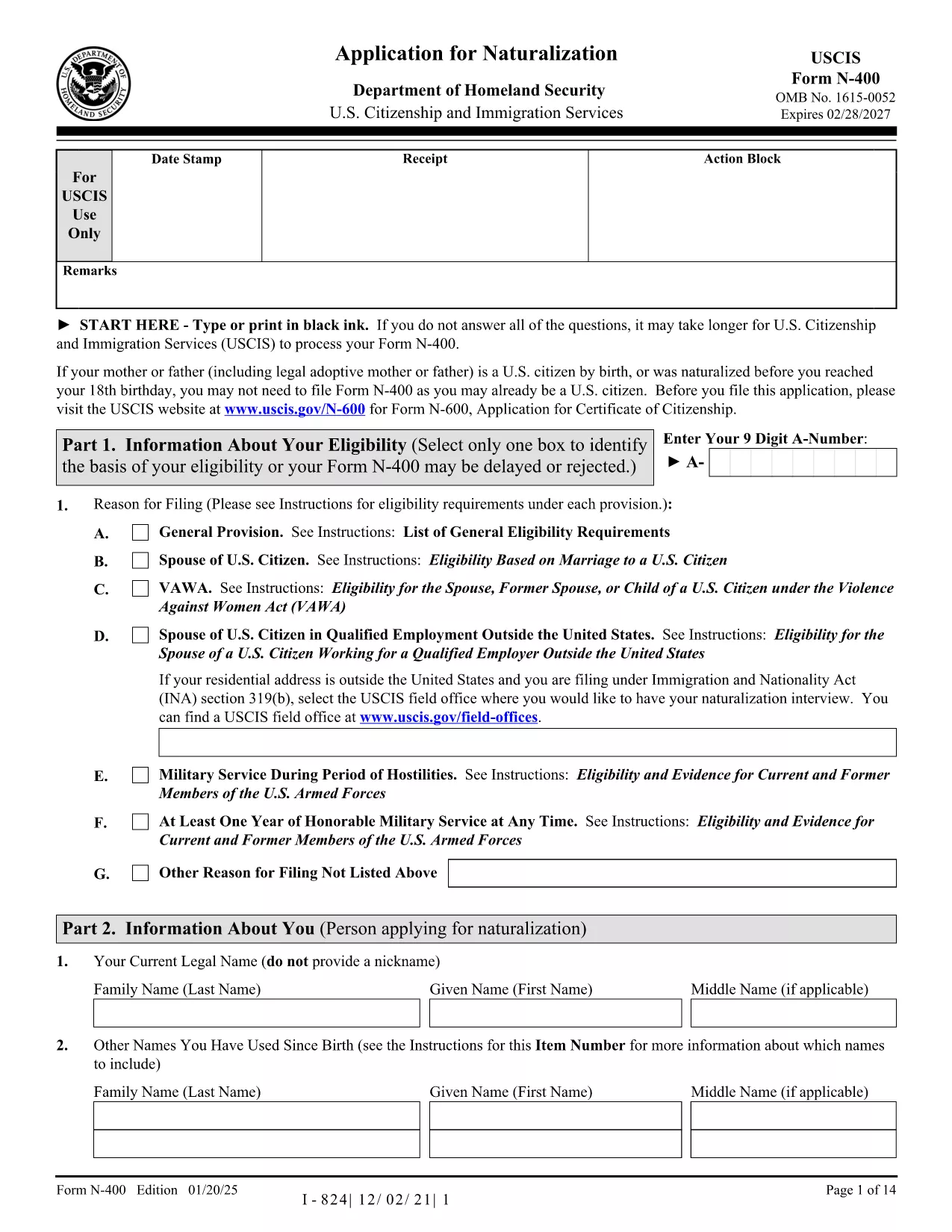
Looking for a quick, hassle‑free way to complete the USCIS N-400 Naturalization Application? Our fillable PDF version lets you enter data directly in your browser, eliminates printing, scanning, and reduces errors.
The fillable PDF is fully compatible with the official USCIS form, preserving the exact layout and field names required for processing. It works on any device – desktop, tablet, or phone – and saves your progress automatically.
Simply click the "Fill out this form" button below. The Formize PDF Filler app will load in seconds, and you can start typing immediately. No PDF editor or Adobe Acrobat is required.
If you have questions while filling out the N-400, visit the USCIS N-400 help page for detailed instructions, FAQs, and contact information.
Ready to start? Click the button below and let Formize guide you through every section.
No. The Formize PDF Filler works in any modern browser, so you don’t need Adobe Acrobat or any other software.
Yes. The filler automatically saves your entries locally. You can close the window and reopen the form to continue.
Absolutely. The fillable version retains the exact layout and field names of the official USCIS N-400, so it is fully compliant.
If you submit electronically, you can file a corrected N-400 using USCIS online account. If you print and mail, you may need to submit a new form.
No. Formize offers the filler for free; you only pay the standard USCIS filing fee for the N-400.
The USCIS website provides detailed instructions for every line of the N-400. Visit uscis.gov/n-400.
ด้วยชุดคุณสมบัติดั้งเดิมสำหรับการดูและกรอกเอกสาร PDF รวมกับประโยชน์ของเว็บแอปพลิเคชันและเค้าโครงที่ตอบสนอง คุณสามารถสร้าง USCIS N-400 ให้เสร็จภายในไม่กี่นาที
วิธีที่ง่ายที่สุดในการกรอกแบบฟอร์ม PDF ทางออนไลน์
ลบเซสชันการบรรจุ
ลบเซสชันการแก้ไข