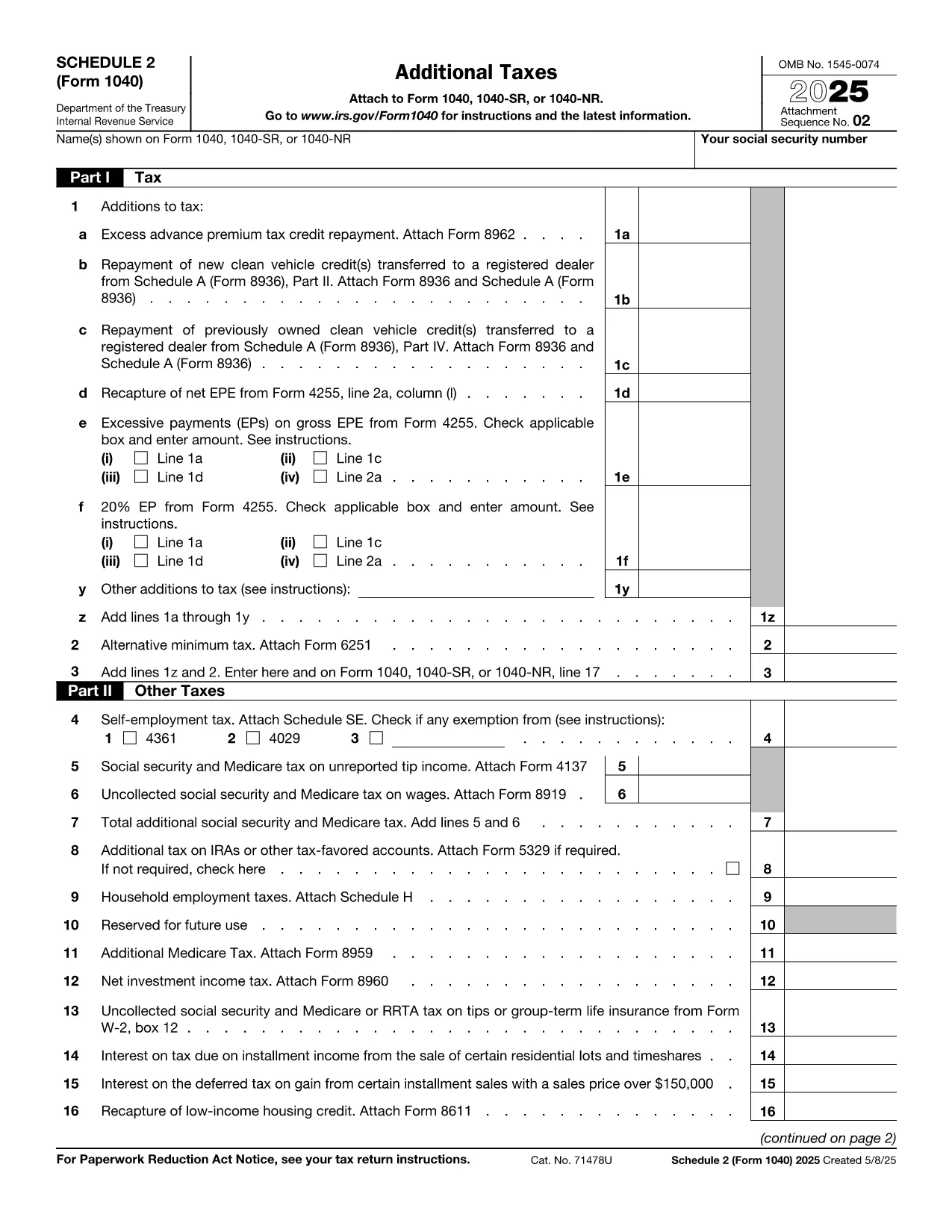

税务表格
IRS Schedule 2 是一种税表,是用于向相关税务机关报告与税收相关的信息的文件。有多种类型的税表,包括联邦、州和地方税表,它们可能因纳税人的情况和地点而异。
Schedule 2 (Form 1040) is the IRS supplemental form used to report additional taxes such as the **Alternative Minimum Tax**, excess advance premium tax credit repayment, and other taxes that don’t fit on the main 1040 page. If you’re filing a U.S. individual tax return for 2023 or later and owe any of these amounts, you’ll need to complete Schedule 2.
Our fillable PDF version lets you enter data directly in the browser, eliminates the need for a PDF editor, and automatically saves your entries. When you’re ready, you can download the completed form or print it for attachment to your tax return.
Below you’ll find everything you need to know about this form, step‑by‑step instructions for using the Formize PDF Filler, and tips to avoid common errors.
No. If none of the additional taxes listed on Schedule 2 apply to you, you can leave the form blank or omit it entirely.
Yes, the downloaded PDF remains fillable, but it’s easier to make changes directly in the Formize PDF Filler before you download.
Absolutely. The PDF is the official IRS version (f1040s2.pdf). As long as you print or electronically attach the completed form, the IRS will accept it.
Simply click the field again and correct the entry. The form auto‑saves, so you won’t lose any data.
Schedule 2 itself does not require a signature, but the signature on your main Form 1040 covers it.
No. The fillable PDF and the online filler are completely free for all users.
在线填写 PDF 表单的最简单方法
删除填充会话
删除编辑会话
