

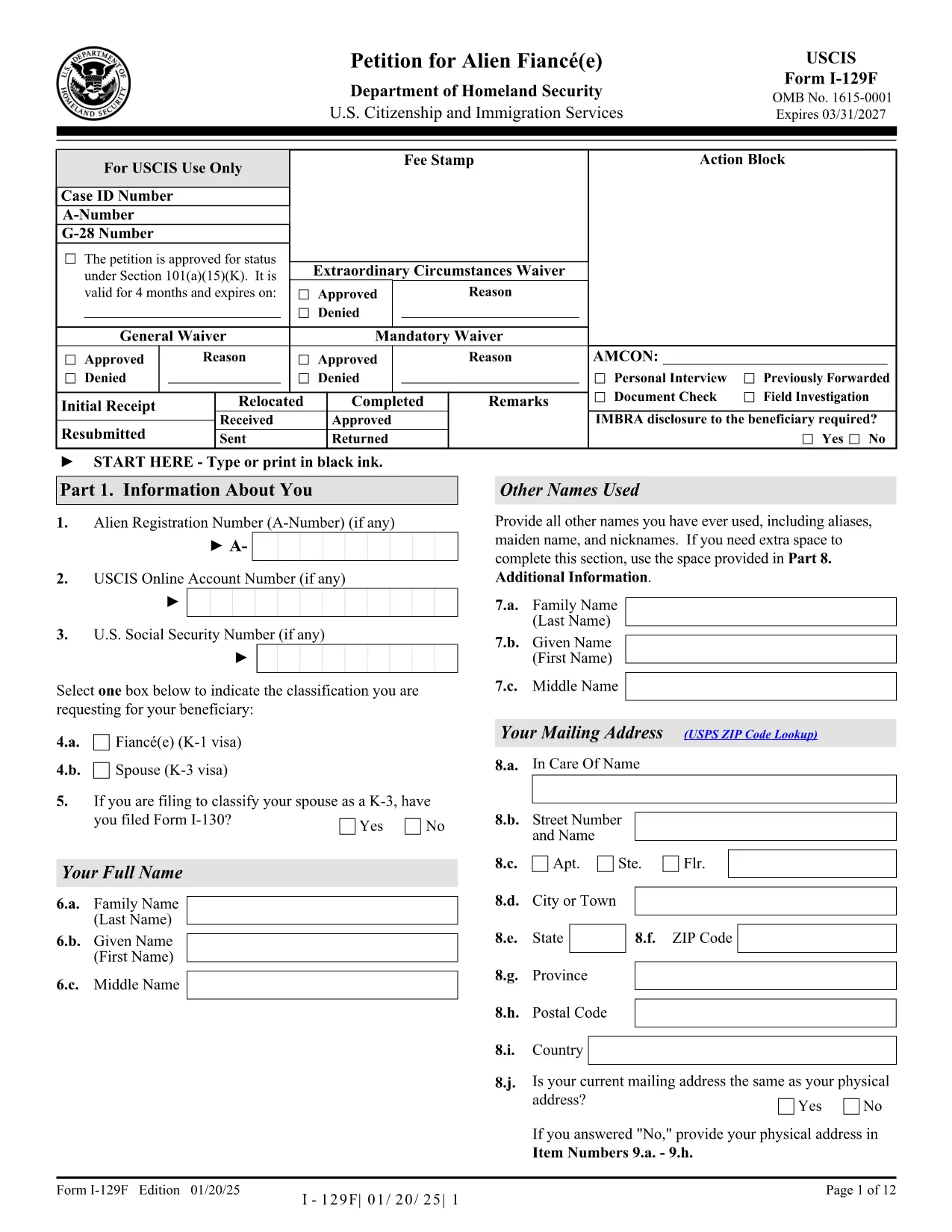

application form PDF模板
借助用于查看和填写 PDF 文档的传统功能集,结合 Web 应用程序和响应式布局的优势,您可以在几分钟内完成 application form PDF。
Looking for a quick way to complete an application form image without the hassle of downloading, printing, and scanning? Formize offers a secure, browser‑based PDF filler that lets you fill out the official USCIS Application Form (I‑129F) directly on the page.
This fillable PDF is fully compatible with Formize’s PDF Filler app, which loads in seconds and saves your data in real‑time. No extra software, no PDF editor – just click, type, and submit.
Our solution is perfect for individuals, immigration consultants, and HR teams who need a reliable, compliant way to collect application information online.
Below you’ll find everything you need to know: what the form includes, step‑by‑step instructions, common errors to avoid, and where to send the finished document.
No. The Formize PDF Filler runs entirely in your web browser, so a separate PDF reader is not required.
Yes. All data is encrypted in transit (HTTPS) and processed locally in your browser. We do not store your personal information.
Absolutely. Use the "Save as Draft" button to download a partially filled PDF, then reopen it with Formize to continue.
You can reopen the downloaded PDF, correct the error, and re‑submit. The USCIS accepts corrected PDFs as long as they are signed and dated.
Yes. The I‑129F is a standard application form image used for fiancé(e) visas, and it is available as a fillable PDF.
Only if a hard‑copy signature is required by USCIS. Otherwise, an electronic signature is accepted on the submitted PDF.
Formize allows you to open several PDFs in separate tabs, so you can work on multiple applications simultaneously.
The PDF filler works on the latest versions of Chrome, Edge, Firefox, and Safari.
借助用于查看和填写 PDF 文档的传统功能集,结合 Web 应用程序和响应式布局的优势,您可以在几分钟内完成 application form PDF。
在线填写 PDF 表单的最简单方法
删除填充会话
删除编辑会话