


Formulare fiscale
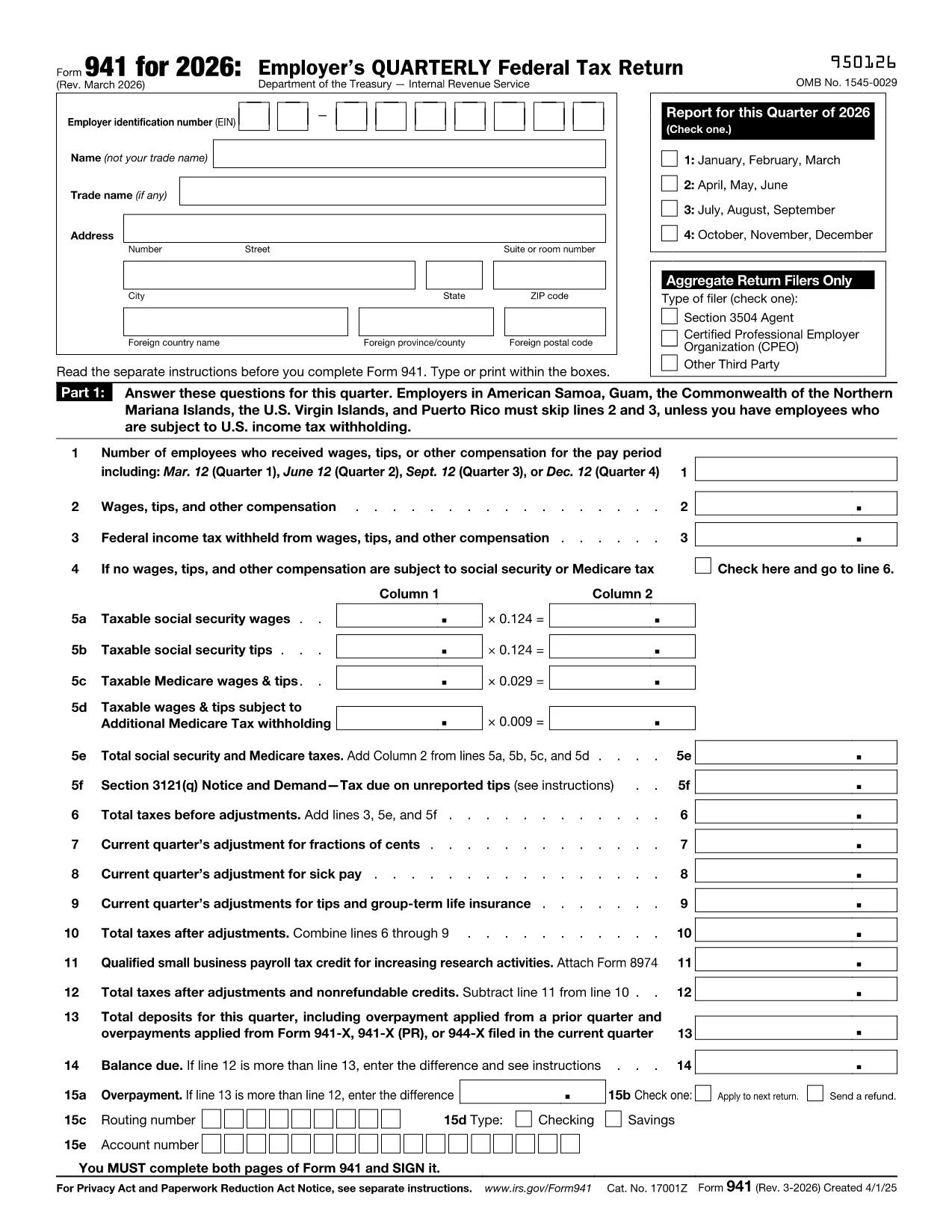
IRS Form 941 este unul dintre formularele fiscale care sunt documente utilizate pentru a raporta veniturile, deducerile și obligațiile fiscale către autoritatea fiscală relevantă. Aceste formulare sunt o parte esențială a procesului de depunere a impozitelor și sunt utilizate pentru a se asigura că persoanele fizice și întreprinderile respectă legile fiscale și își calculează cu exactitate obligațiile fiscale.
Formularele fiscale specifice cerute pot varia în funcție de factori precum statutul de înregistrare a unei persoane, sursele de venit și legile fiscale ale țării. Cu toate acestea, iată câteva tipuri comune de formulare fiscale:
Formulare privind impozitul pe venitul persoanelor fizice: aceste formulare, cum ar fi seria 1040 în Statele Unite, sunt utilizate de către persoane fizice pentru a-și raporta veniturile, a solicita deduceri și credite și pentru a calcula obligația fiscală.
Formulare de impozitare a întreprinderilor: întreprinderile, inclusiv întreprinderile individuale, parteneriatele, corporațiile și persoanele care desfășoară activități independente, pot fi nevoite să depună diferite formulare pentru a-și raporta veniturile, cheltuielile și impozitele datorate. Printre exemple se numără Anexa C (Profit sau pierdere din afaceri) și Formularul 1120 (Declarația de impozit pe venitul corporativ din S.U.A.).
Formulare de impozit pentru angajare: angajatorii sunt obligați să raporteze salariile angajaților și să rețină și să reverse impozitele pe salarii. În acest scop, sunt utilizate formulare precum W-2 (Declarația de salariu și impozit) și 941 (Declarația fiscală federală trimestrială a angajatorului).
Formulare de cont de investiții și de pensie: aceste formulare sunt utilizate pentru a raporta veniturile din investiții, câștigurile și pierderile de capital, precum și contribuțiile și distribuțiile din conturile de pensii. Exemplele includ formularul 1099-DIV (Dividende și distribuiri) și Formular 5498 (Informații privind contribuția IRA).
Formulare privind impozitul pe proprietate și pe cadouri: atunci când o persoană decedează sau face cadouri semnificative, formulare specifice, cum ar fi Formularul 706 (Declarație de impozite asupra proprietății Statelor Unite (și transferul cu omiterea generației)) și Formularul 709 (Cadou Statelor Unite (și generația- Omiterea transferului) Declarația de impozit) sunt utilizate pentru a raporta și a calcula orice impozite aplicabile pe proprietate sau pe cadouri.
Este important de reținut că legile și formularele fiscale se pot schimba în timp, astfel încât persoanele fizice și întreprinderile ar trebui să consulte autoritatea fiscală relevantă sau să solicite consiliere fiscală profesională pentru a asigura conformitatea cu cerințele actuale.